First day cover ·
Workbench Adds Multiple Claude Accounts, Automatic Updates and API Spend Tracking
Workbench's latest update adds multiple Claude accounts, automatic updates, API billing tracking and a few quality-of-life fixes. Here's what matters for buyers.
The most useful change in this Workbench update isn't a new feature. It's the one that stops you from having to think about the app at all. Automatic updates are now on by default, and for anyone who runs Workbench on a second machine, that matters more than the rest of the list.
Updates that install themselves
Workbench is built around connecting to remote Macs that are also running the app. The developer, Matt Birchler, says he kept having to use remote desktop to update the app by hand on his headless Mac Mini so it wouldn't fall behind the features on his main machine. That's a workable fix for one person and a real chore for anyone else.
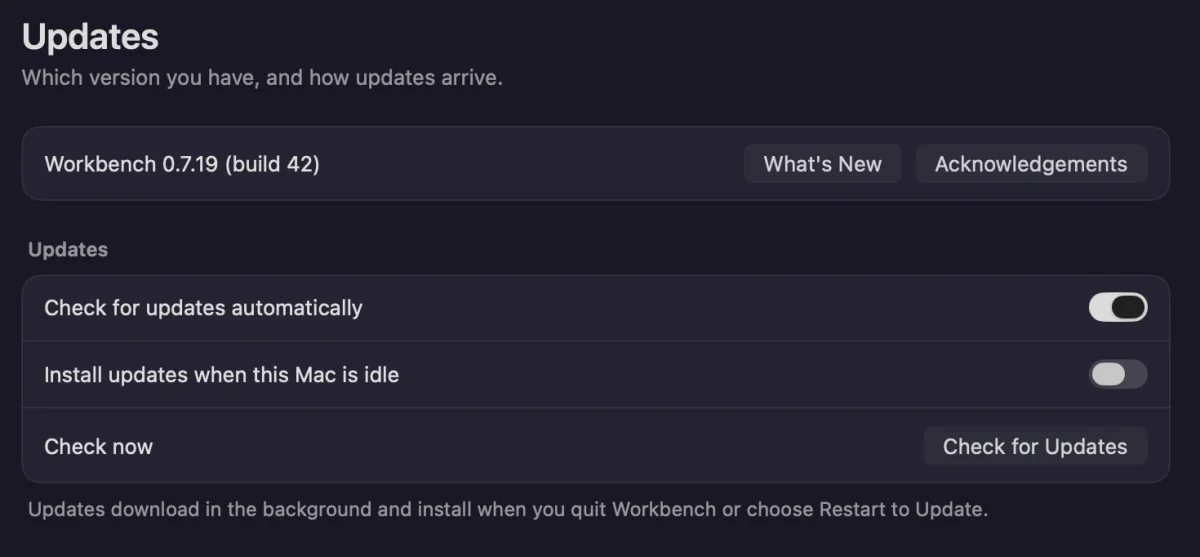
Now the app checks for updates every four hours. It waits until Workbench has been idle for 30 minutes, then installs the update and restarts. The restart takes a second or two, so you probably won't notice it happened. If you'd rather stay in control, you can turn this off in the updates page of settings.
Here's the thing: auto-updating a tool that sits in the middle of your development workflow is a trade-off. You get consistency across machines, but you give up the chance to read release notes before a change lands. The idle-window requirement is the detail that makes this reasonable, since it avoids restarting the app in the middle of a session. Anyone who relies on a particular version for a project should keep the setting in mind.
Multiple Claude accounts
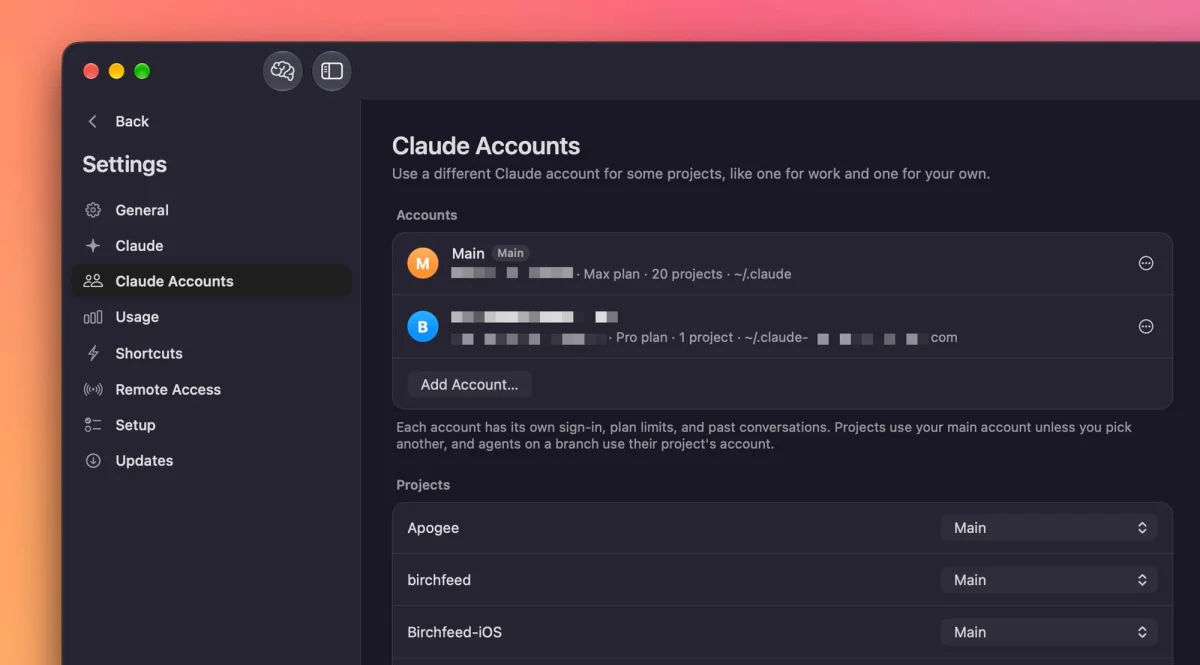
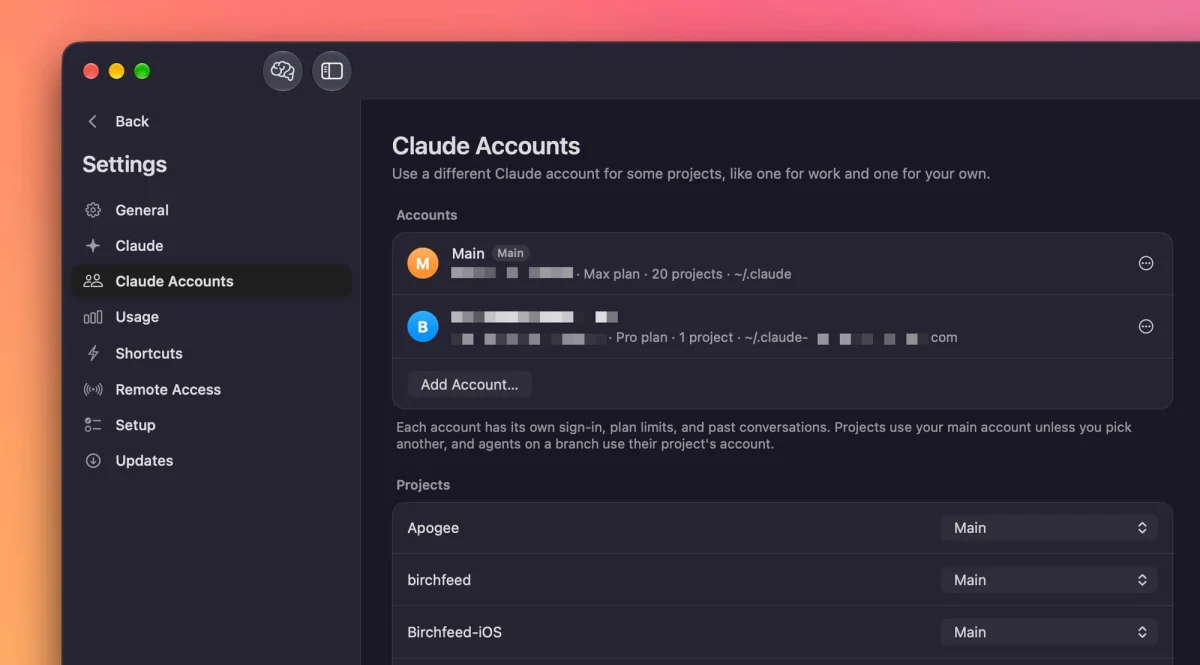
If you use more than one Claude account, you can now link them all inside Workbench. The app tries to detect every logged-in Claude Code session on its own. If one doesn't show up, you can add it manually from the Claude Accounts page in settings.
Once the accounts are connected, you can assign a different account to each project. A dropdown in the toolbar lets you switch between accounts without leaving the window. This is the kind of setup that suits someone with a personal subscription and a work account, or a freelancer who keeps client projects separate. It removes the friction of logging out and back in whenever you change context.
Spend tracking for API users
Most Claude Code users are on a subscription, and the developer is one of them. For subscribers, the number that counts is how much of the weekly allowance is left. Earlier versions also showed what the same usage would have cost at API rates, which the developer describes as a fun novelty rather than a practical figure.
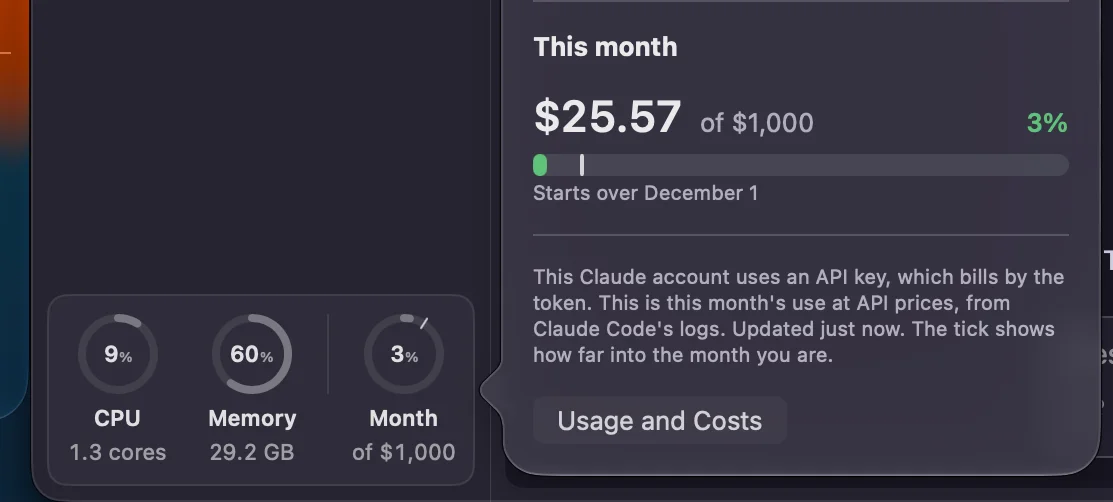
The API side is where this update gets practical. If you sign in with an API pricing account, Workbench now displays your actual billing data. You can also set a monthly cap and track your spending against it. That's useful for people who run Claude Code on a work API account with a monthly limit, because it turns a billing page you'd normally check after the fact into something you can watch during the day.
Worktrees that show up everywhere
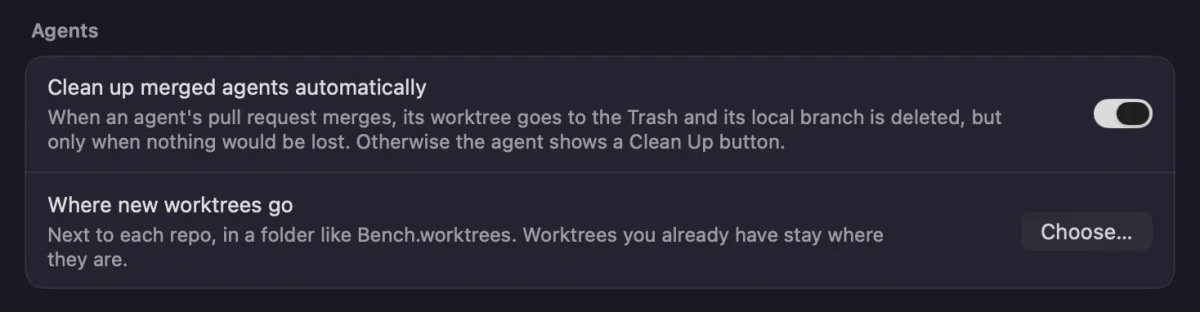
Git worktrees are a common way to work on several branches of the same project at once, and until this update Workbench only displayed the ones it had created itself. Now any worktree created under a project appears in the app, regardless of how it was made. If you already have a tangle of worktrees from your terminal, they'll show up in one place.
The general settings also have a new option that controls where new worktrees are created. That's a small change with a practical payoff. Putting worktrees in a predictable location makes cleanup easier and keeps them out of folders that sync or back up in ways you didn't intend.
Brain dumps with more projects
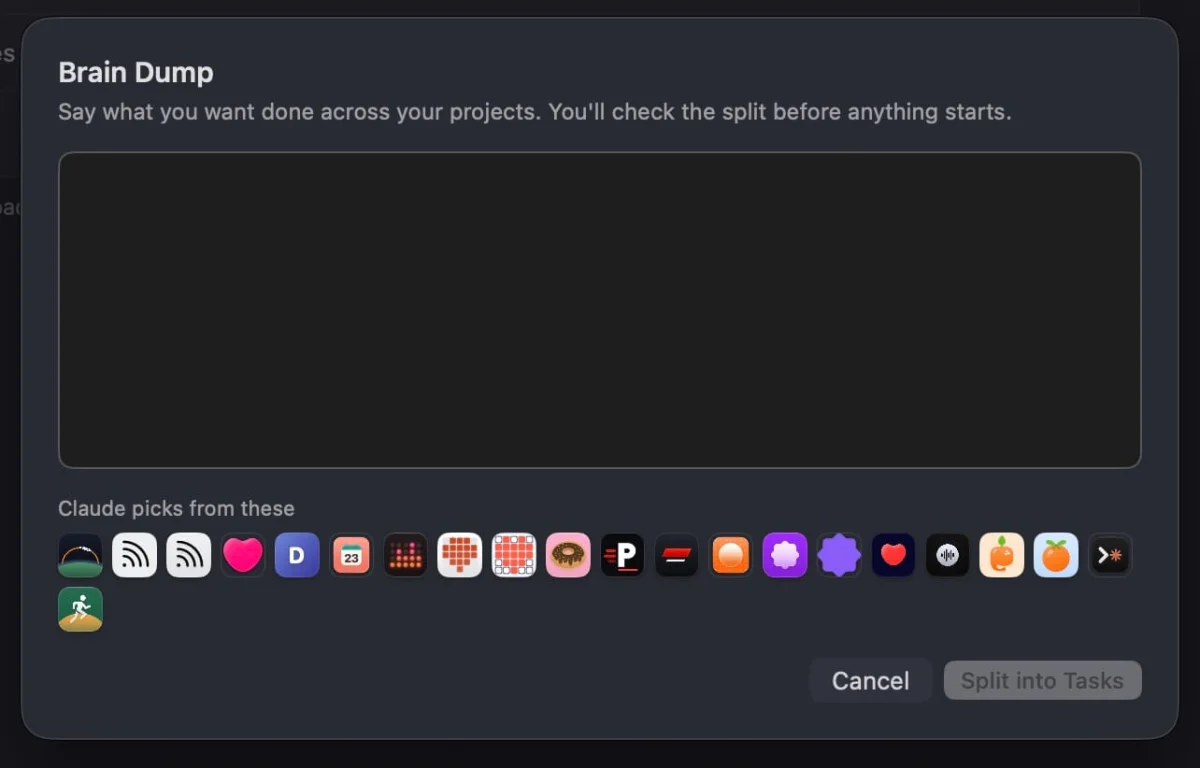
The brain dump view used to show only your eight most recent projects. Now it shows all of them, and hovering over an icon reveals the project's name. The developer uses this to walk through every project in order and check that nothing is being forgotten. It's a modest change, but it's the sort of fix that matters once you have more projects than the view was designed for.
Links that look like links
This one is the smallest change on the list, and the developer admits it was a bit embarrassing. When Claude put a link into the chat, it looked like ordinary text, even though it was clickable. Links now have link styling, and the cursor changes when you hover over them. The links worked before. Nobody could tell.
Who should try it
If you run Claude Code on one Mac and never leave it, this update is nice but not urgent. If you connect to a second machine, manage several accounts, or pay for API usage with a monthly budget, the update covers the parts that used to need manual attention. Workbench is a free download from the developer's GitHub releases page, so the cost of testing it is just the time it takes to link an account. Watch how the automatic updates behave on your setup for a week or two before deciding whether to leave them on.


