First day cover ·
Workbench 0.9 Keeps Claude Code Running Through App Updates
Workbench 0.9 adds Keep Working so Claude Code sessions survive app restarts, plus in-chat model switching, Motion settings and one-click Git buttons.
The headline feature in Workbench 0.9 is Keep Working, and it targets a problem anyone running several agents at once will recognise. You want to restart the app to pick up an update, but restarting means interrupting whatever Claude is doing. So you wait. The agents keep going, you wait longer, and the update sits there while the work drags on.
Keep Working changes that relationship. It's off by default and you turn it on from the general settings. Once it's active, Claude Code sessions run independently of the Workbench interface. The developer's example is a setup with one, two, or twenty agents busy on tasks. When the next update arrives, you can install it and restart without slowing those sessions down. The idea isn't new, and plenty of tools handle background work this way, but it changes how you plan your day once you get used to it.
Performance and the core code
This release also includes a round of performance work. The developer says they went through several core code paths to confirm they were solid, and looked at known slowdowns to find ways to improve them. The update doesn't come with a list of benchmark numbers, so you won't get hard figures on how much faster it feels. The developer's own expectation is that some parts of the app will feel zippier than before, with more work still to do.
That sentence matters for a different reason too. The developer has said plainly that updates of this size won't be the norm. Bug fixes and useful additions will keep coming, but the pace is expected to slow. If you're deciding whether to rely on Workbench for daily work, that's worth factoring in.

Switching models and effort mid-conversation
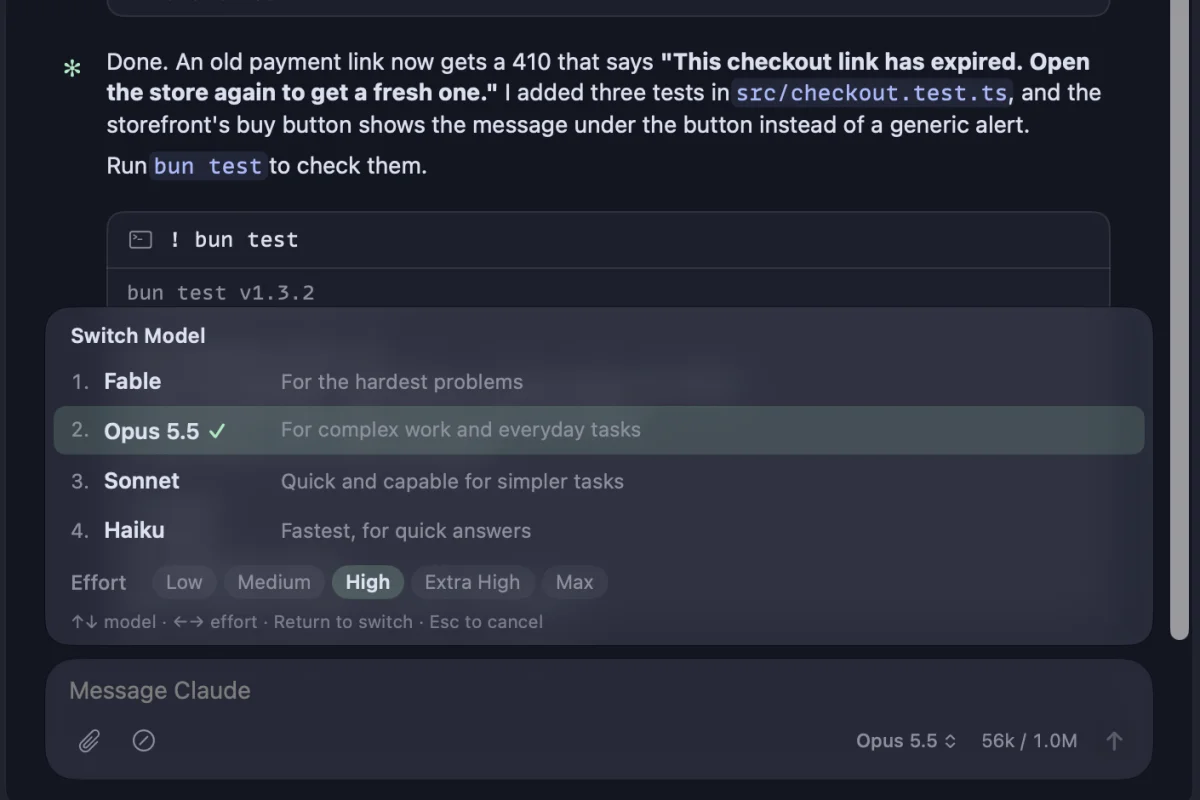
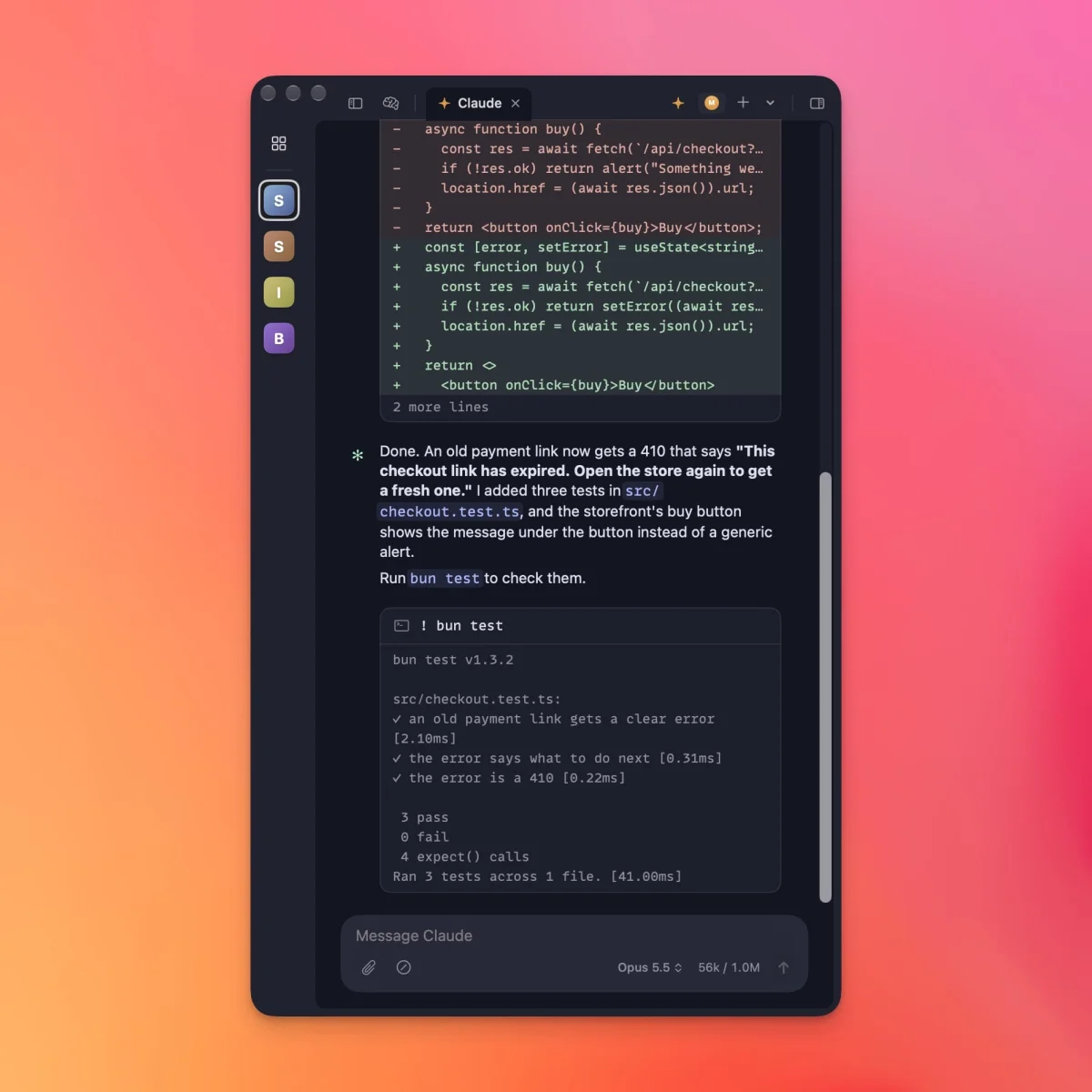
Type /model in the chat, or click the model name under the message box, and you get the same model list Claude Code shows in its terminal. Choosing a model also sets the effort level, so you don't have to change them separately. On iPhone, tap the model name at the top of a session or send /model the same way.
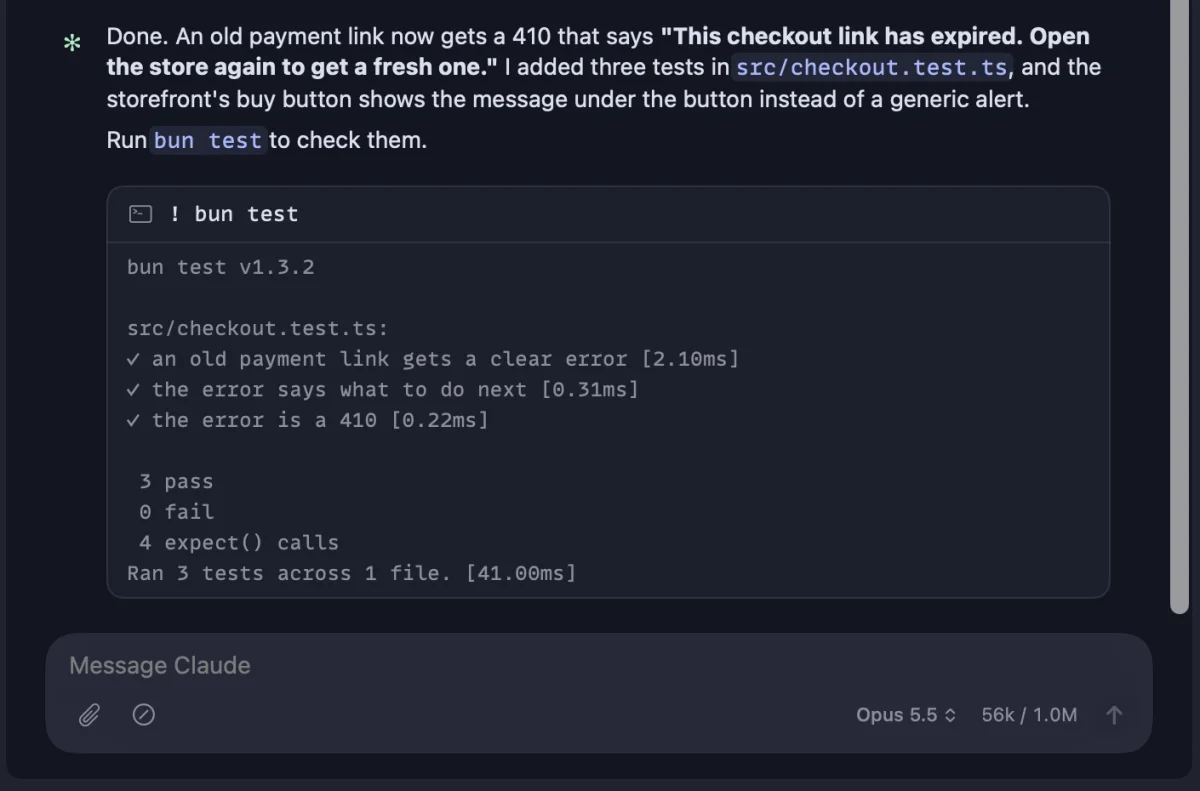
Shell access works from the chat as well. Start a message with ! and it runs in the shell, just as it would in Claude Code's terminal. The developer notes this works on iPhone too, which makes quick checks away from the desk more practical.
Tracking edits across related projects
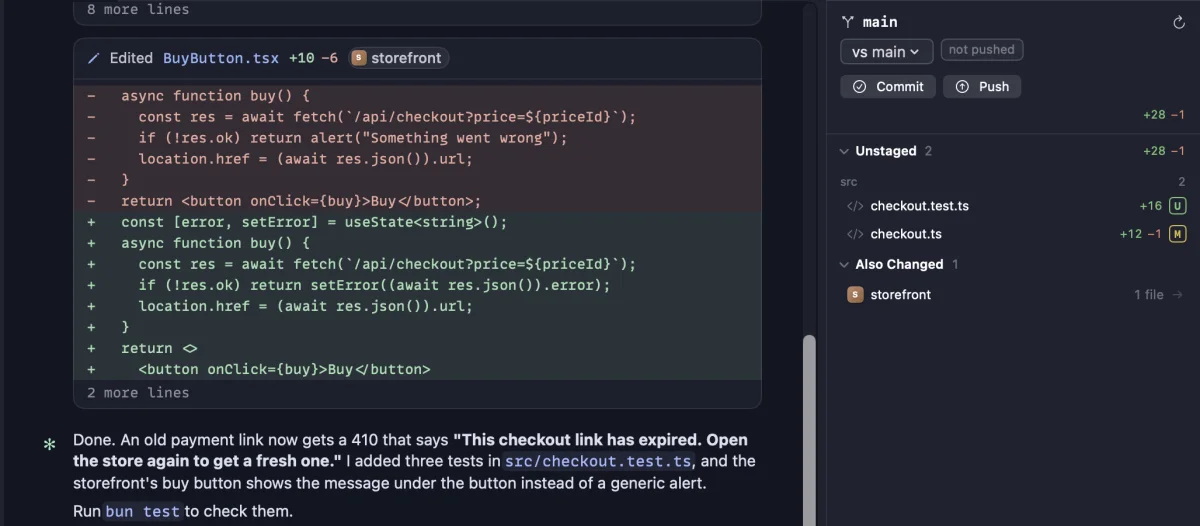
Many people keep several linked repositories, and a chat rooted in one may need to update another. Until now, that kind of cross-project edit was hard to keep track of. The right sidebar has a new "Also Changed" section that lists other projects Claude is editing. For anyone juggling a library and the app that uses it, that's a practical way to avoid losing track of changes.
Git actions as buttons
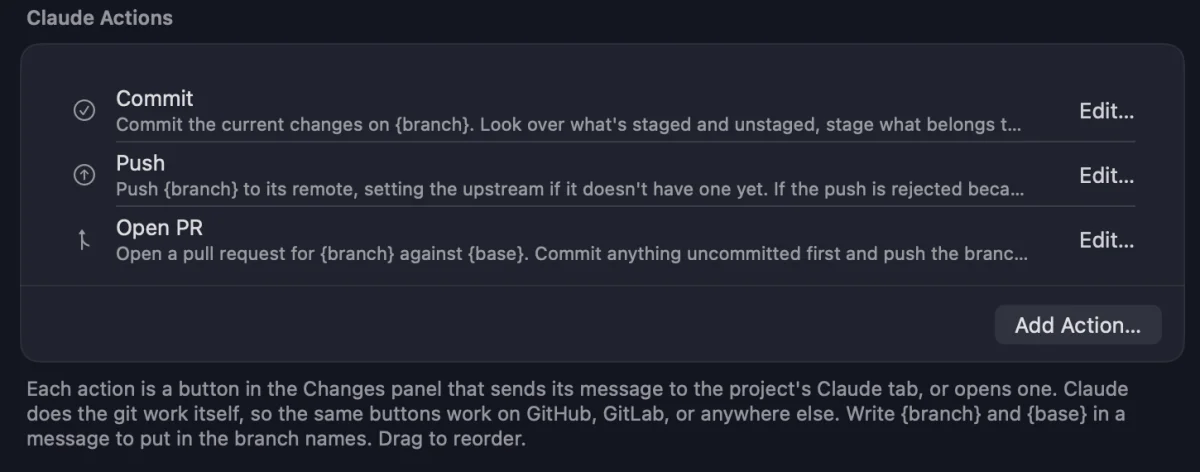
The Changes panel now has Commit, Push, and Open PR buttons. Each one sends a message to the project's Claude tab, and Claude handles the git work itself. Because Claude does the actual steps, the buttons aren't tied to GitHub and should work with GitLab or other hosts. You can reword the buttons, reorder them, or add your own under Settings › Shortcuts › Claude Actions. Anyone who repeats the same commit-and-PR routine many times a day will notice the saved clicks.
Narrow windows and the new Motion setting
Workbench handles narrow windows better now. As the window shrinks, the side panels collapse so the chat stays readable, and you can bring them back when needed. When the project sidebar is collapsed, project icons remain visible, which gives you a leaner layout for navigation.
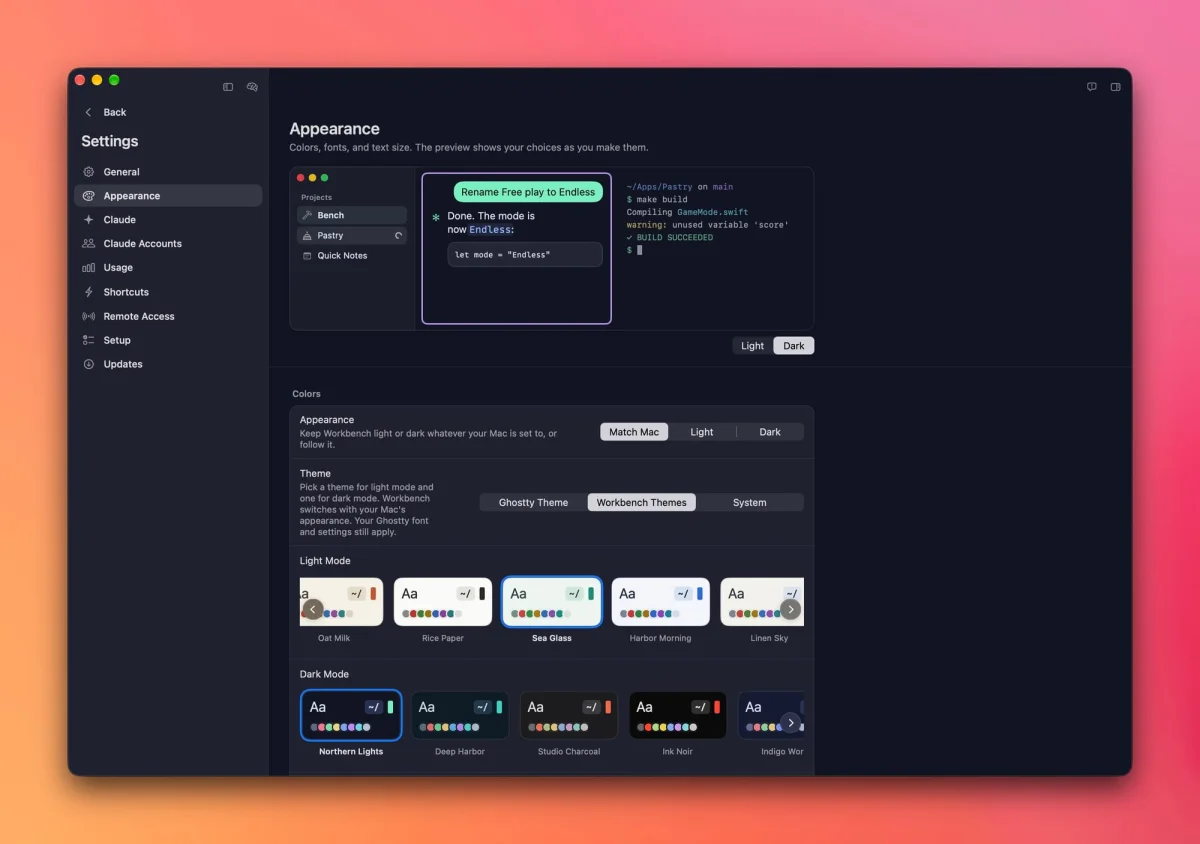
Colours, fonts, and text size now sit on their own page under Settings, with a live preview. Appearance also gains a Motion setting with three levels. Full matches the current look and remains the default. Calm removes the large effects, such as the sparkles on a working project and the glow on the start page, while the small spinners keep moving so you can still see when Claude is busy. Still stops everything that moves on its own.
The developer says Calm and Still draw less power on a Mac. If you're trying to lighten the app's load on an older machine or a laptop on battery, that's the setting to test. If Reduce Motion is enabled in System Settings, Workbench switches to Still automatically.
Smaller changes worth knowing about
- Notifications from Claude. Claude can run
bench notifyinside a Workbench tab to send an alert to your Mac and paired iPhone. - Lists in the message box. Type a dash or number, press Shift-Return (Return on iPhone), and the list continues on the next line. Your own messages now render as Markdown.
- File paths open in Finder. Click a file path in Claude's reply to reveal it in Finder.
- More reliable iPhone connection. A dropped connection is detected within a minute, and a reply that fails to reach the Mac says so and returns your draft.
- Version in the sidebar. The version and build number appear at the bottom of the sidebar.
- Crash reports. If Workbench crashes, it can send a report to help fix the bug. This is governed by the Share anonymous usage data toggle in Settings › General, so disabling that also disables crash reporting.
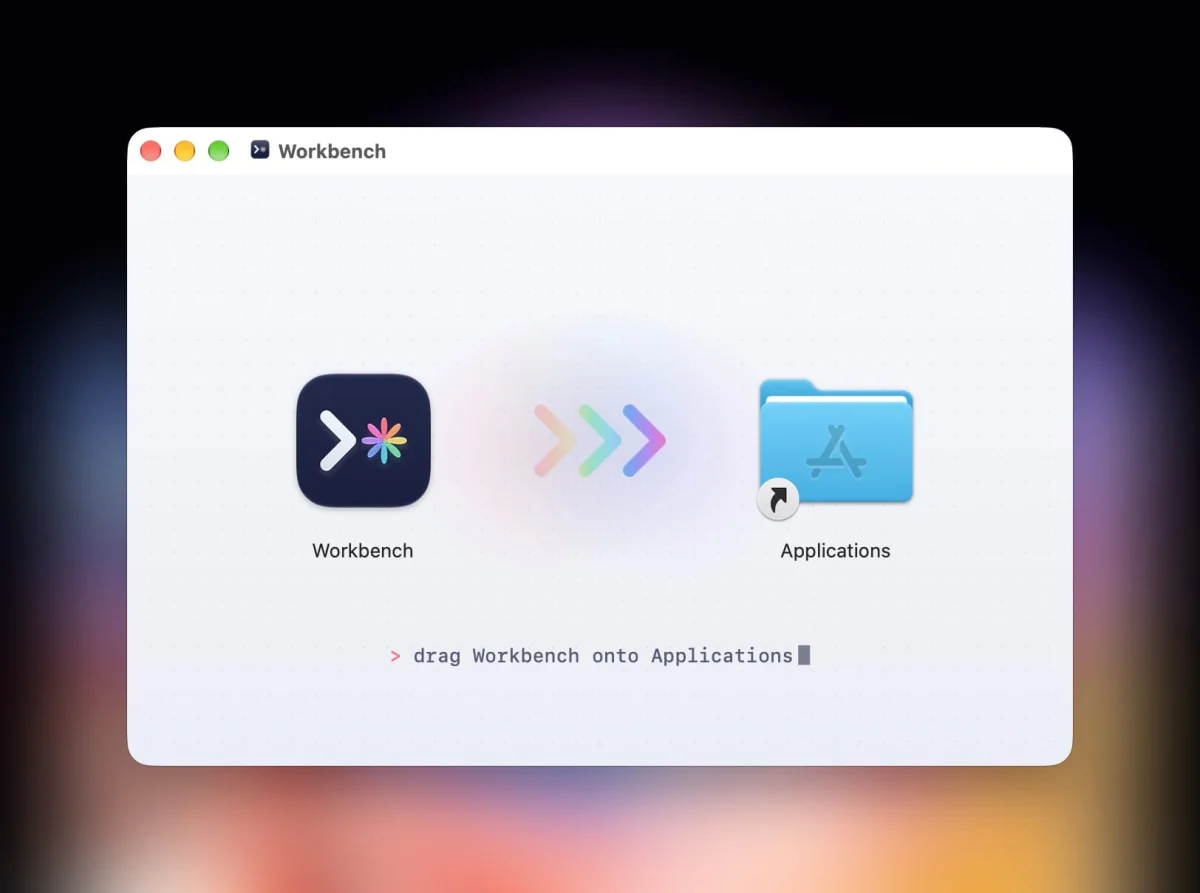
- Simpler installation. Mac downloads now arrive as a disk image. Open it and drag Workbench into Applications.
The new disk image is more in line with how most Mac apps install, and it's a small step that makes the first run feel familiar. You can grab the Mac download directly, or join the iOS TestFlight if you want the iPhone version. Bug reports can go through the in-app feedback form or the GitHub issues page. The next question is how quickly the developer can keep this pace going, and that's the detail to watch.


