First day cover ·
Brand-New Hard Drives Fail More Than You'd Expect, and Year One Is the Risk
Nearly half of hard drive failures in Backblaze's fleet happen in the first year, and 30% die without warning. Here's what that means for buyers and backups.

A fresh hard drive out of the box is not a safe place for your files. Backblaze's fleet of more than 350,000 drives suggests that about 1.5% of hard drives fail, and almost half of those failures land in the first year of use. If you're buying a spinning disk for a backup or an archive, that's the number to keep in mind.
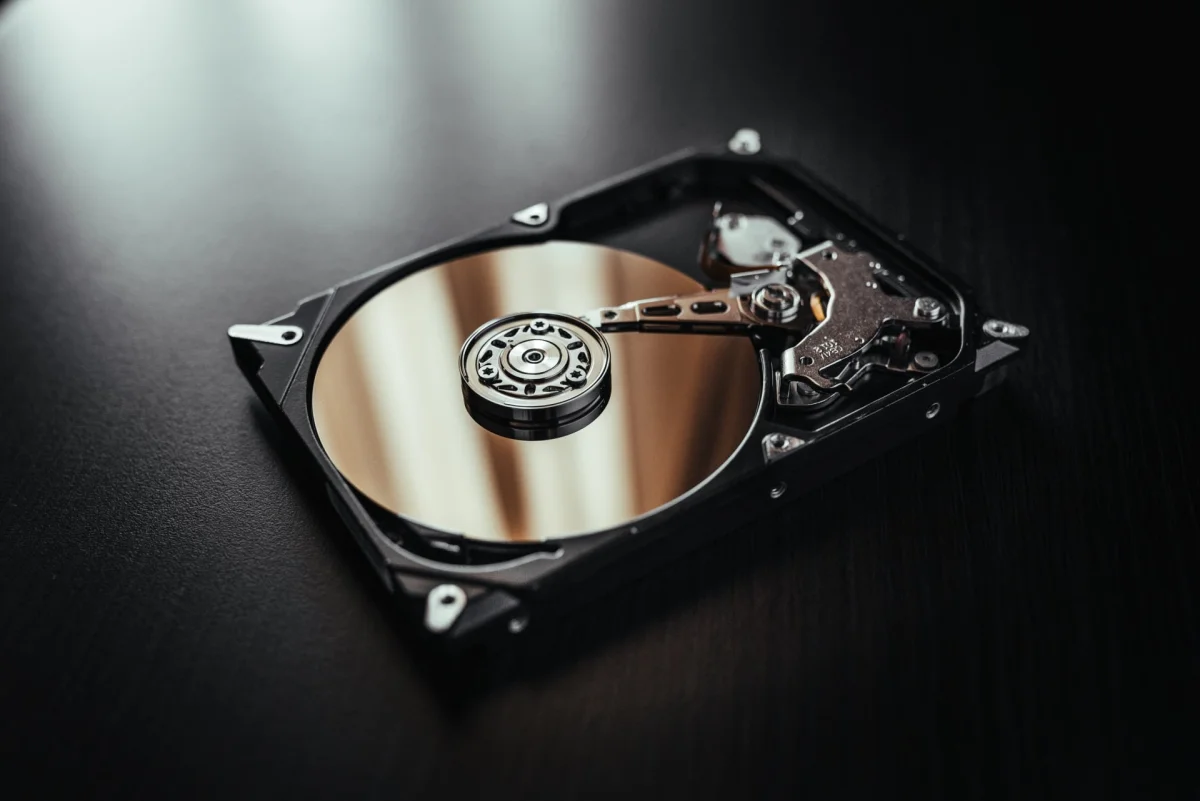
What makes it worse is how the failures arrive. Around 30% of drives that stop working die suddenly, without the diagnostic tools giving any early warning. An independent study from Secure Data Recovery, based on more than 5,000 failed units, points in the same direction and puts the average lifespan of the drives it examined at around 807 days. My read: the mechanical side is simply unpredictable. A drive can fail in its first week because of a manufacturing defect, or run without complaint for years and then stop without notice.
Why drives die early, and which brands hold up best
Hard drive failures usually come from three places. The first is the production line, where problems such as misaligned read heads or seized motors can slip through. The second is physical damage, from drops or power surges. The third is corruption in the drive's internal operating software. The early-life spike in failures fits the first and third categories, which is why a new drive isn't automatically a reliable one.
Age matters too. Once a drive reaches around seven years of service, the chance of a mechanical failure rises sharply. Anyone who depends on spinning disks for daily work should plan replacements on a schedule rather than waiting for a drive to fail.
On brand, Backblaze's quarterly reports covering April to June 2026 put Seagate at the top of its mechanical reliability table. The gap between models is wide, though, so a brand name alone won't settle the question. Looking across its historical failure-rate data, Seagate, Western Digital and Hitachi are the manufacturers that keep showing up with the strongest durability numbers. Supply is tightening at the component level as well: Resonac has increased its production of platters for hard drives to keep up with industry demand.
Why cheap capacity still keeps HDDs in play
Mechanical risk is real, yet spinning disks keep a price advantage that's hard to match. The cost per gigabyte of an HDD remains far below any other storage option. That gap has widened since SSD and HDD prices jumped amid the AI boom, when data centres rushed to buy faster drives to handle huge volumes of information.
Budget matters most when you're storing large amounts of data and speed isn't the priority. In that case, the price difference can let you build a full RAID array (Redundant Array of Independent Disks, a setup that combines several drives for automatic redundancy or added capacity) with several HDDs for less than a single high-capacity SSD. Redundancy is the point of RAID here: if one drive dies suddenly, the others keep the data intact while you swap it out.
The technology hasn't yet changed the durability equation. Most drives on the market still use conventional magnetic recording (CMR), which delivers predictable read and write performance. Newer approaches aimed at packing in more data are in development. Shingled Magnetic Recording (SMR) overlaps the magnetic tracks partially, and Heat-Assisted Magnetic Recording (HAMR) uses a laser to help write data. Backblaze tracks both but says it doesn't yet use either in its active fleet. That's a useful signal: the company running the largest sample of these drives is still sticking with proven designs.
What to do if you rely on spinning disks
Here's the thing about a sudden failure: you can't count on the drive to tell you it's about to die, so monitoring alone won't save your files. The practical approach is to combine several layers. Keep local backups, store a copy outside the location where you work or live, and use a cloud service as well. That covers mechanical faults, fire and theft, which a single drive sitting on your desk can't protect against.
Watch the drive's health status where your system offers it, and treat a first-year drive with a bit of suspicion. If you're buying a new disk for important data, consider a drive that's in a redundant array rather than one that holds the only copy of anything. And if you're planning a replacement cycle, start before the drive is seven years old. The cheap per-gigabyte price is a good reason to buy HDDs, but it's not a reason to trust a single one.