First day cover ·
Apple's M6 iMac Pairs a 12-Core Chip With Faster On-Device AI
Apple's M6 iMac adds up to 12 CPU cores, a faster Neural Engine and Wi-Fi 7 to its slim design, starting at $1,499. Pre-orders open October 28.
Apple has refreshed the iMac around the M6, and the headline numbers are less interesting than the question behind them: is this a desktop you'd still be happy with in three years? On the spec sheet, the answer looks like yes, especially if you're coming from an Intel machine or an older Apple silicon model. The chip is the story, but the AI push, the connectivity update and the new colour options all shape who should actually buy it.
What's actually new under the hood
The M6 iMac comes with up to a 12-core CPU, two more cores than the previous configuration. Apple describes it as delivering the world's fastest single-threaded CPU performance, which is a claim you'll want to check against independent testing once review units are in hand. The GPU also gains two cores, reaching up to 12 in total, and each core now includes a Neural Accelerator. Apple says that combination delivers up to 2x faster graphics for demanding work like photo editing, with stronger gaming results than the M4 model.
The neural side has changed too. The new Dual 16-core Neural Engine is rated by Apple at up to 2x faster AI compute than the previous generation. Memory bandwidth reaches up to 170GB/s, and Apple ties that figure directly to running large language models on the device. That bandwidth number matters more than the core count for local AI work, because model performance often bottlenecks on how quickly data moves rather than on raw compute.
Here's the thing: the base-model pitch is about everyday speed, not heavy rendering. Apple's configuration for the entry model is a 10-core CPU paired with a 10-core GPU. Step up to the 12-core CPU and 12-core GPU and you're buying into the headline performance figures, so the configuration you pick matters more than usual.
Reading the performance comparisons
Apple's comparisons are set against three baselines: the original M1 iMac, the M4 iMac and the most popular Intel-based iMac. Against the Intel machine, the company claims up to 18x faster performance, which is the figure most likely to pull upgraders in. Against M1, it cites up to 2.5x faster performance in Microsoft Excel and up to 3.3x faster graphics in Affinity photo editing. Against M4, the figures are more modest but still meaningful: up to 1.5x faster in Excel, up to 2x faster in Affinity, and up to 2x higher ray-traced gaming performance.
The most eye-catching AI number is up to 12x faster on-device AI prompt processing in LM Studio compared with M1, and up to 5x faster than M4. Those are Apple's figures, and the test setups behind them aren't spelled out in the release. My read is that the M1 comparison will look generous to anyone who skipped a generation, while the M4 numbers are the ones that will tell existing owners whether to bother.
For most people on an M4 iMac, the honest answer is that this is a refinement rather than a must-upgrade. If you're on an M1 or earlier, or you're running Intel, the gap is large enough that the decision gets easier.

AI: Siri AI, local models and the privacy pitch
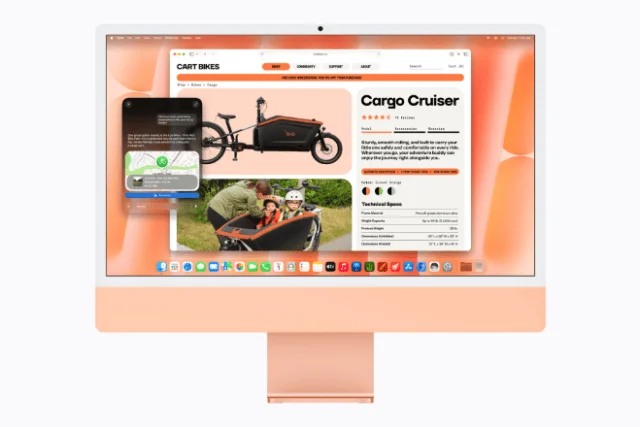
Apple is leaning hard on the idea that the iMac is a capable home for AI, and that the work stays private. The company ties this to macOS 27 and the next generation of Apple Intelligence, which powers a more conversational version of Siri that Apple calls Siri AI. On the iMac, that means asking questions, searching across messages, emails and photos, and taking actions across apps. Siri AI is built into Spotlight, so searches can run into follow-up questions.
The bigger-screen angle is Visual Intelligence, which has a dedicated keyboard shortcut. You can ask Siri about anything on the 24-inch display, whether that's a chart in a spreadsheet or a photo in a browser tab. Siri can also help write and edit almost anywhere you type, and in Mail and Messages it can adapt to your usual style and tone.
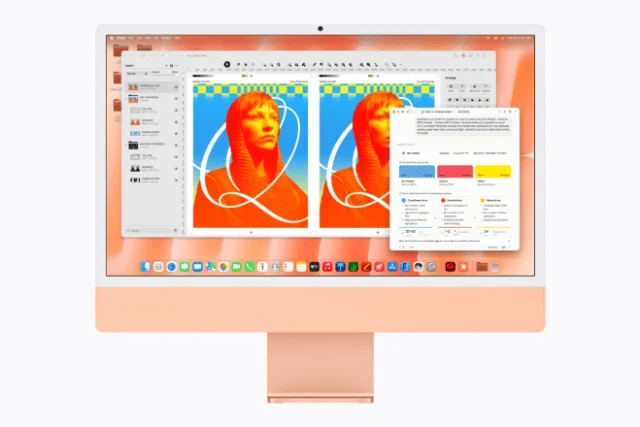
Safari gets its own set of Apple Intelligence tools. It can group open tabs by topic, notify you of website changes such as restocks or price drops, and create custom extensions from a written description. Shortcuts can build an automation from a plain-language description, and the Photos app gets intelligent editing tools. Apple also points to a growing set of AI apps optimised for Apple silicon, including LM Studio, Bionic and Topaz Studio.
Apple's pitch on local AI is that you can run models on the machine without sending your data elsewhere. That's a real selling point for people working with sensitive documents, but it's worth testing how fast your preferred model actually runs at the memory footprint you need before you rely on it.
Connectivity and storage
The new iMac adds Wi-Fi 7 and Bluetooth 6, and a 2.5 Gigabit Ethernet port is available. Apple says the Ethernet option delivers up to 2.5x faster wired connectivity than the previous generation, which should help with large file transfers and high-resolution streaming on a wired network. Internal SSD read and write speeds are rated at up to 2x faster.
Up to four Thunderbolt 4 ports give you room for external storage and docks, and the machine can drive up to two 6K external displays. Apple puts the combined workspace at more than 50 million pixels, which is a lot of canvas if you're running a multi-monitor setup.
The display, camera, audio and accessories
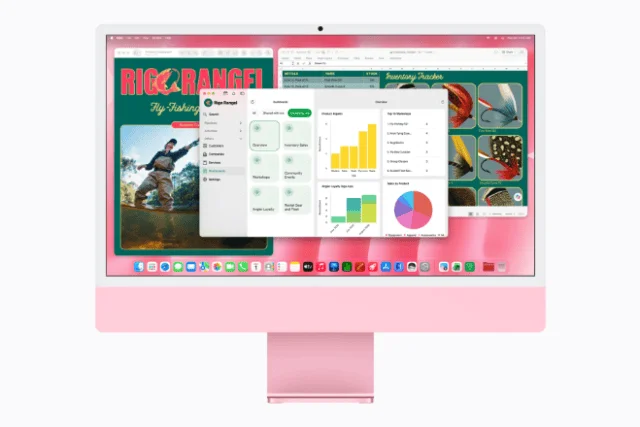
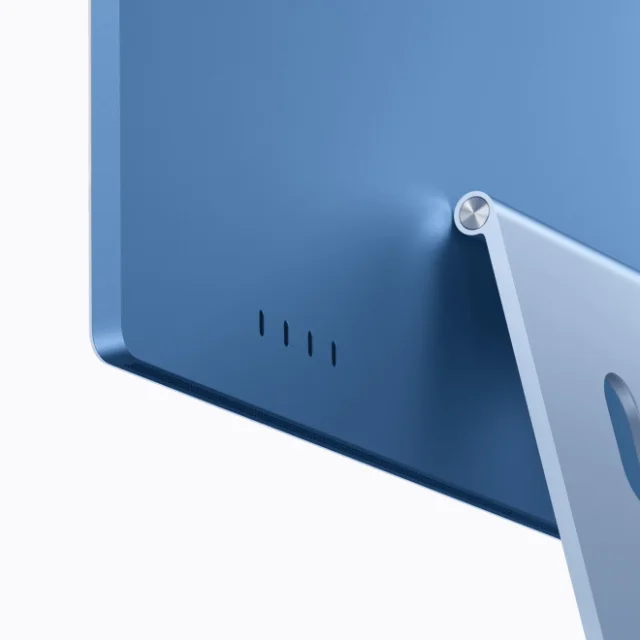
The 24-inch 4.5K Retina display is rated by Apple at 500 nits of brightness, which the company says is nearly 70 percent brighter than the bestselling 24-inch all-in-one PC. It also offers P3 wide colour with over a billion colours. The panel stays the same size as before, so this is about how it looks and how it handles content, not a bigger screen.
The camera is a 12MP Center Stage unit, which keeps you framed on video calls. Desk View can show a top-down view of your workspace, which will be handy for teachers and anyone demonstrating physical work. Apple calls the camera and audio package industry-leading, a claim worth testing in your own room. The speaker setup uses two pairs of force-cancelling woofers with two tweeters, supports Spatial Audio with Dolby Atmos, and the microphone array is three mics.
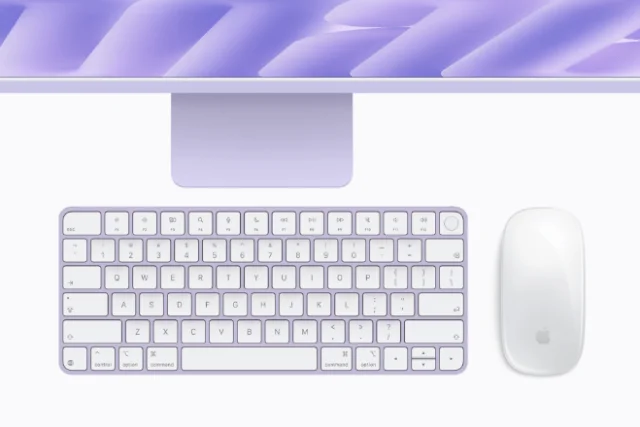
The keyboard and mouse or trackpad are colour-matched and use USB-C, so you can charge them with a single cable. Magic Keyboard with Touch ID handles unlocking, switching users, Apple Pay and app downloads. Continuity works with iPhone for shared files, handoff and controlling the phone from the Mac, and new Mac owners can transfer settings and passwords from an iPhone during setup.

macOS 27 and the Liquid Glass tweak
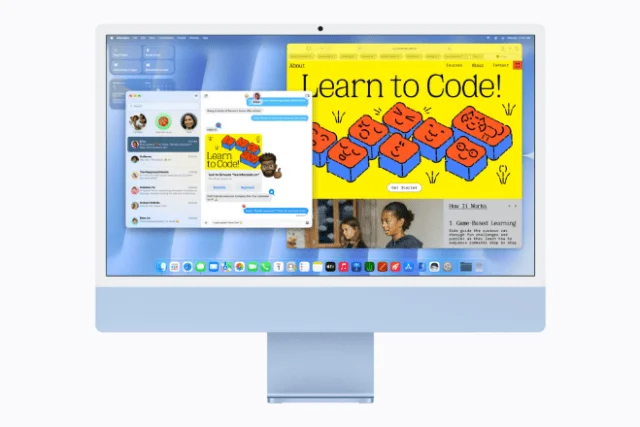
The iMac ships with macOS 27, which Apple describes as a set of refinements to design, performance and search. Liquid Glass gets a more focused look, and a new Settings slider lets you adjust it from ultraclear to fully tinted. App icons are sharper and more defined. It's a small thing, but it's the kind of control people have asked for, and it's useful if the translucency bothers you on a big screen.
Colours, environment and the price
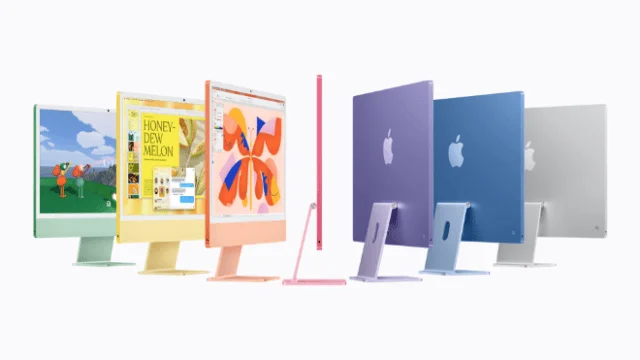
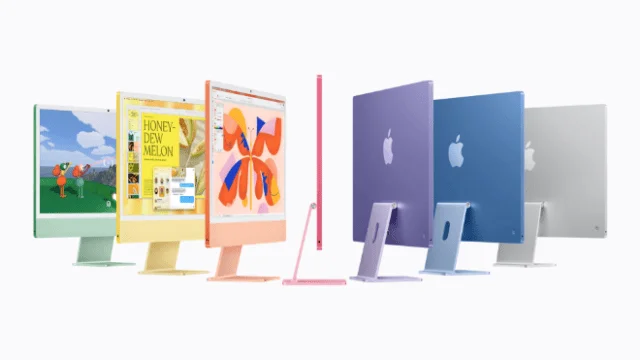
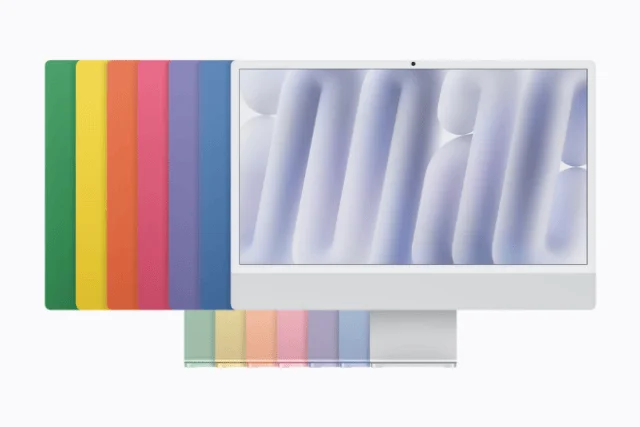
The iMac comes in seven colours: blue, green, pink, yellow, purple, orange and silver. Apple positions it as a piece of décor as much as a computer, and the colour-matched accessories are part of that. If you want the machine to fit a home office or a storefront, the palette is the reason to look at it.

Apple also says the iMac uses 100 percent recycled aluminium in the stand, 100 percent recycled rare earth elements in all magnets, and 100 percent recycled gold plating and tin solder in all Apple-designed printed circuit boards. The company reports manufacturing with 40 percent renewable electricity across the supply chain, and paper packaging that is fully fibre-based. These are Apple's commitments, tied to its goal of carbon neutrality across its footprint by 2030.
Pricing starts at $1,499 (U.S.) for the 10-core CPU and 10-core GPU model, or $1,449 with education savings. The 12-core CPU and 12-core GPU model starts at $1,699 (U.S.), or $1,599 with education savings. Full specifications and configure-to-order options are listed at apple.com/mac.

In the U.S., Apple Upgrade lets eligible customers lease the iMac from $28.99 per month over 36 months, excluding taxes and any trade-in credit, with an upgrade option at the end of the lease. Apple Trade In offers credit toward a new Mac, and you can check the value of your current machine at apple.com/shop/trade-in. U.S. customers paying with Apple Card can choose Monthly Installments at 0 percent APR and receive 3 percent Daily Cash up front.
AppleCare+ covers the Mac, including accidental damage such as drops and spills, battery replacement and priority support. In available markets, AppleCare One can cover multiple products under one plan. Details are at apple.com/applecare. Buyers who purchase directly from Apple can also book a Personal Setup session, and Today at Apple sessions are available at Apple Store locations.
Who should buy it, and when
Pre-orders start tomorrow, October 28, through apple.com/store and the Apple Store app in 35 countries and regions, including the U.S. Deliveries begin Friday, November 6, at Apple Store locations and through Apple's retail partners.
My read: if you're on an Intel iMac, this is the easiest recommendation in the lineup, and the 12-core configuration is where the upgrade case gets strongest. If you're on an M4 iMac, wait for independent testing before you spend, because the gains look like they'll be concentrated in AI and gaming rather than everyday work. And if you're buying your first Mac for a family, a classroom or a small shop, the colour range, Touch ID and iPhone integration make it an appealing all-in-one. The real test will be how the local AI performance holds up in the apps you actually use, and that's what reviewers should measure next.


