First day cover ·
MacBook Pro Touch Screen: Why Apple Changed Its Mind on Touch Input for the Mac
Apple spent years saying no to touch on the Mac. Its 2026 MacBook Pro adds touch to a new OLED display, and executives say the laptop is no heavier or thicker for it.
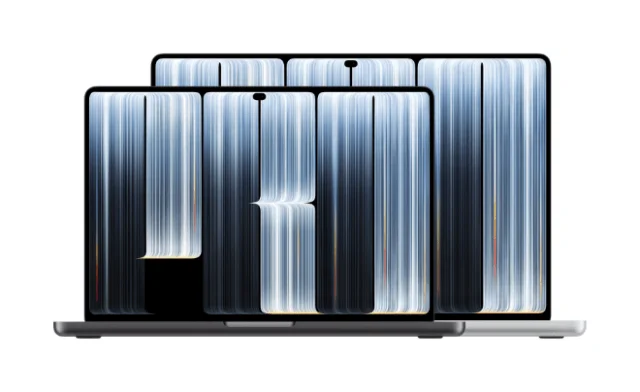
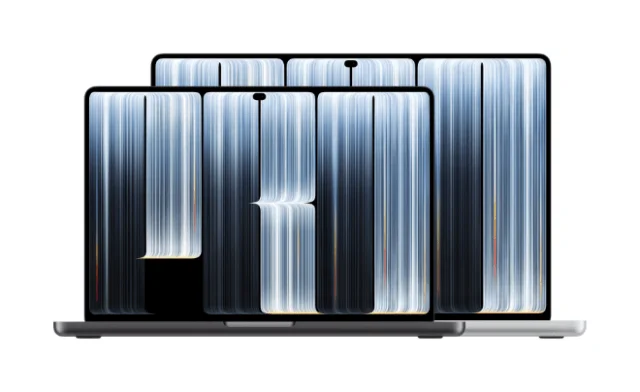
For more than a decade, Apple's position was that a touchscreen Mac would never happen. The reasons ranged from ergonomics and software mismatches to a wish to keep the Mac clearly separate from the iPad. So the 2026 MacBook Pro is a bigger shift than a spec bump. It's Apple reversing a stance it defended for years, and the reasons it gives are more interesting than the reversal itself.

Why the reversal matters
Steven Levy's reporting for WIRED gets Apple executives, including John Ternus and Johny Srouji, on the record about the change. Ternus didn't frame it as a conversion. He framed it as a matter of degree. "The Mac is first and foremost an indirect input device, built around the trackpad and keyboard," he said. "But I think there's times when it's comfortable and handy to have touch."
That's a careful line, and it tells you how Apple wants buyers to think about the feature. Touch is an addition, not a replacement for the trackpad and keyboard that define the machine. Ternus also acknowledged the worry that's been floating around Mac circles: that the platform's identity is slipping toward the iPhone and iPad. His answer was that the touch implementation had to meet a specific bar. "We needed to get to a point where adding touch didn't make the product lesser in any way," he said. "It didn't make it heavier. It didn't make it thicker."
The bigger picture is that Apple has a habit of rejecting ideas publicly and then adopting them once the timing works. Levy points to the familiar examples: Steve Jobs saying iPods would never play video, a jumbo phone that Jobs reportedly dismissed before the iPhone 6 arrived, and his opposition to styluses on tablets, which Apple later reversed with the Apple Pencil. Read in that light, the MacBook Pro's touch screen looks less like a betrayal of the Mac and more like Apple waiting until the hardware could support the idea without a trade-off.
The display is doing much of the heavy lifting
Ternus tied the touch decision to the screen itself. The new machine uses what Apple calls a PROLED XDR tandem OLED display, paired with M5-series chips. In Ternus's telling, the OLED panel is "the best display we've ever put into a Mac," and touch arrived alongside it. "All of these things, and, oh yeah, it has touch as well," he said.

That ordering matters. Apple's argument is that the display upgrade gave it room to add a touch layer without the usual penalties. Levy reports that the screen is noticeably dense and bright, with obsidian blacks that he considers the deepest he's seen on a computer display. He also notes that because OLED doesn't need a backlight, the new MacBook Pro weighs less than its predecessor. That's a useful detail, because it shows the weight budget was spent elsewhere, not absorbed by the touch hardware alone.
Here's the thing: a display's specs don't tell you how touch will feel. Adding a digitizer to a laptop screen usually means some combination of added thickness, a glossier surface, or slightly dimmer output. Apple says it avoided those compromises here, and the claim is credible given the reported weight reduction. But independent testing will have to confirm how the panel holds up in daily use.
Touch on a laptop, reconsidered
The hardest part of putting touch on a Mac is the interface, not the sensor. Apple's own Phil Schiller had raised concerns about the Mac's menu bar and small controls for fingers rather than a pointer. Levy describes how Apple has addressed that in the new version. The menu bar looks the same at rest, but when a finger moves over a menu item, that item expands so the user can pick the right option with more precision. Some on-screen objects also grow when touched. The traffic-light buttons that close, minimize, or hide windows are one example.
That approach makes sense. Desktop interfaces assume a pointer with a single, tiny hotspot. Touch needs larger targets and some forgiveness, and an expanding menu is a practical way to give fingers that margin without redesigning the whole interface. Levy's hands-on time suggests the scaling is subtle enough that the screen doesn't feel like a tablet bolted onto a laptop, though a few months of daily use will tell a much clearer story.
The other obvious question is maintenance. Anyone who's touched a laptop screen knows the fingerprints and smudges that come with it. Apple told Levy the new display has an anti-reflective outer coating that needs no more cleaning than a normal, non-touch screen. That's a manufacturer claim, and it's the kind of thing that can look different after months of greasy fingers and commutes. Still, it's the right thing to promise, because a touch screen that smears badly would undermine the whole pitch.
What I'd watch for
My read is that most buyers will use the touch screen occasionally rather than constantly. That's the scenario Ternus describes, and it fits how laptops are actually used. Touch is handy for scrolling a long page, tapping a control on a menu, or pointing at something during a presentation, while the trackpad and keyboard handle the bulk of the work. The real test is whether people reach for the screen out of habit or only when it's convenient.
Watch for three things as reviews come in. First, whether the display holds its advantages in bright rooms and under heavy use. Second, how the expanded menu and larger controls work across third-party apps that were never designed for finger input. Third, whether the anti-reflective coating and the rest of the touch layer age well. If those hold up, Apple will have changed a long-held position without giving up the Mac's core identity, which is probably the outcome it wanted all along.


