First day cover ·
MacBook Pro's 2,000-nit PROLED XDR Panel Sets a New Bar for Laptop Screens
Apple's new MacBook Pro pairs a tandem OLED panel with 2,000 nits of peak SDR and HDR brightness, a 10,000,000:1 contrast ratio and wider color.
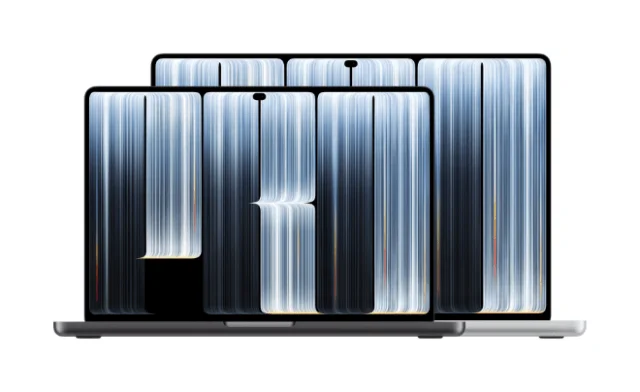
Apple's new MacBook Pro with PROLED XDR Display is the first laptop I'd call a real challenge to the monitor on your desk. The headline figure is 2,000 nits of peak brightness, and Apple applies it to both HDR and SDR content. Pair that with a 10,000,000:1 contrast ratio and a color gamut that covers P3 and Adobe RGB, and you have a spec sheet that stands apart from most of what's on the market.
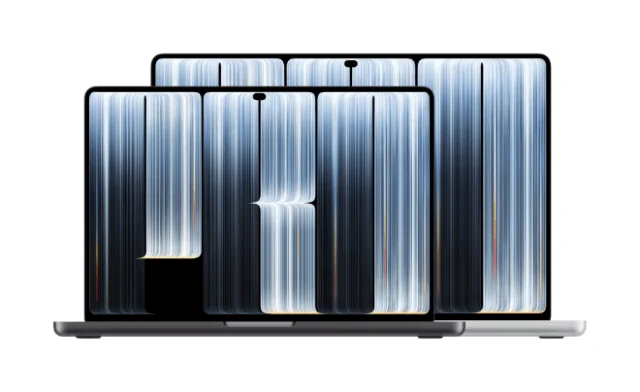
Context matters here. The best OLED laptop panels have recently topped out around 1,600 nits peak, and many still struggle to hold brightness over long sessions or stay usable outdoors. Apple's numbers sit well above that ceiling, and that's the part worth watching once independent testers get their hands on the units.
How the tandem OLED panel works
The PROLED XDR uses a tandem OLED design, with two stacked layers of self-illuminating pixels rather than a single emissive stack. Each pixel makes its own light, so black areas are true black. There's no backlight glow and no mini-LED blooming around bright objects. That's the practical reason the contrast jump matters: a white window on a dark background no longer sits inside a soft halo of light.
Apple rates sustained full-screen brightness at 1,000 nits and peak brightness at 2,000 nits, the latter for HDR highlights and for SDR content in bright conditions. Minimum brightness drops to 1 nit, which helps in dim rooms. ProMotion varies the refresh rate from 10Hz to 120Hz. An antireflective coating is standard, with an optional nano-texture glass option. Apple pairs that coating with the high SDR peak so that documents, web pages and interface elements stay legible in bright ambient light. Whether that holds up in practice is the question I'd put to any reviewer.

What changed from the mini-LED generation
The previous MacBook Pro panels were mini-LED Liquid Retina XDR displays. Apple lists them at 1,600 nits peak for HDR only, and about 1,000 nits for SDR. The new panel raises peak HDR brightness by 25 percent, and it extends that high-brightness headroom to everyday SDR work, which is the more useful change for most people. Apple also says the contrast ratio is ten times higher.
Here's the thing: brighter SDR is the change you'll notice daily. Most of what people do on a laptop, from spreadsheets to email to browser tabs, is SDR. If the panel stays comfortable at high outdoor brightness without washing out, that's a bigger day-to-day upgrade than any HDR movie demo.
Where it sits against rival OLED laptops
Apple's comparison points are other tandem OLED laptops. Samsung Display's recent designs, which earn VESA DisplayHDR True Black 1400 certification, reach up to roughly 1,600 nits peak at the panel level. Machines such as the Lenovo Yoga Pro 9i Aura Edition and certain ASUS ProArt models have been measured in the 1,000 to 1,600 nit range for HDR peaks, with lower figures for sustained or SDR brightness. Apple's 2,000-nit SDR outdoor peak sits above those numbers on paper.

Apple attributes part of the result to its display engine, which compensates in real time for content, temperature, pixel usage history and ambient conditions. Raw peak figures only tell you so much. Sustained output, color volume and how the panel behaves over a long edit are what separate a good panel from a great one, and those are the numbers I'd want before deciding.
Color and calibration for professional work
For photographers, video editors and colorists, the color changes matter as much as the brightness. Previous MacBook Pro displays covered P3. The new panel adds Adobe RGB in the same default preset, with wider green and cyan ranges. Keeping everything in one preset means no mode switching when a project mixes sources, which is a practical convenience if you bounce between footage, stills and interface work.
Apple also says the panel ships with factory calibration for luminance, white point and gamut. Reference modes cover cinematic standards, photography, print, design and DICOM medical imaging, which Apple describes as intended for non-diagnostic use. Apple further claims consistency with other Apple displays via Color Matching Function 2026 when paired with an iPhone 18 Pro or a Studio Display XDR. That kind of matching only pays off if you already live inside that ecosystem.
Touch, the notch and the hardware around it
This is the first MacBook Pro with integrated multi-touch, using a sensor inside the panel for low latency. Apple also replaces the notch with a Dynamic Island around the webcam. Touch on a laptop is a divisive idea, and whether it earns a place in your workflow depends on how often you reach for the screen. Apple's own position is that touch is handy at certain moments. I'd want to test how that feels across a full workday before calling it a feature rather than a novelty.
The chassis is thinner and lighter. Apple lists the 14-inch model at around 3 pounds and the 16-inch at around 4 pounds. Configurations use M5 Pro or M5 Max chips, with up to 128GB of unified memory and storage reaching 16TB. Battery life is rated at up to 22 hours for video streaming on the 14-inch and up to 24 hours on the 16-inch.
Pricing, availability and what to watch
Pre-orders opened October 28, 2026, with availability beginning November 6. The 14-inch M5 Pro configuration starts at $2,899. Early hands-on reports from the launch event described richer blacks, better outdoor readability under studio lighting and less mirror-like glare than glossy tandem OLED Windows laptops. Apple also showed the panel next to a high-end Windows tandem OLED machine, and highlighted better contrast and less washout in brighter rooms. Those are impressions from demos, not measurements.
The real test starts once units ship. Independent measurements of sustained full-screen brightness, color volume and outdoor performance will show whether the 2,000-nit peak holds up under the conditions buyers actually use. If those numbers match Apple's claims, this panel will set a new reference point for what a laptop screen can do.


