First day cover ·
Five Free Indian Government Apps Worth Keeping on a Student's Phone
Five free Indian government apps cover documents, exam services, offline textbooks, online courses and curriculum lessons. Here's what each one does and who should install it.
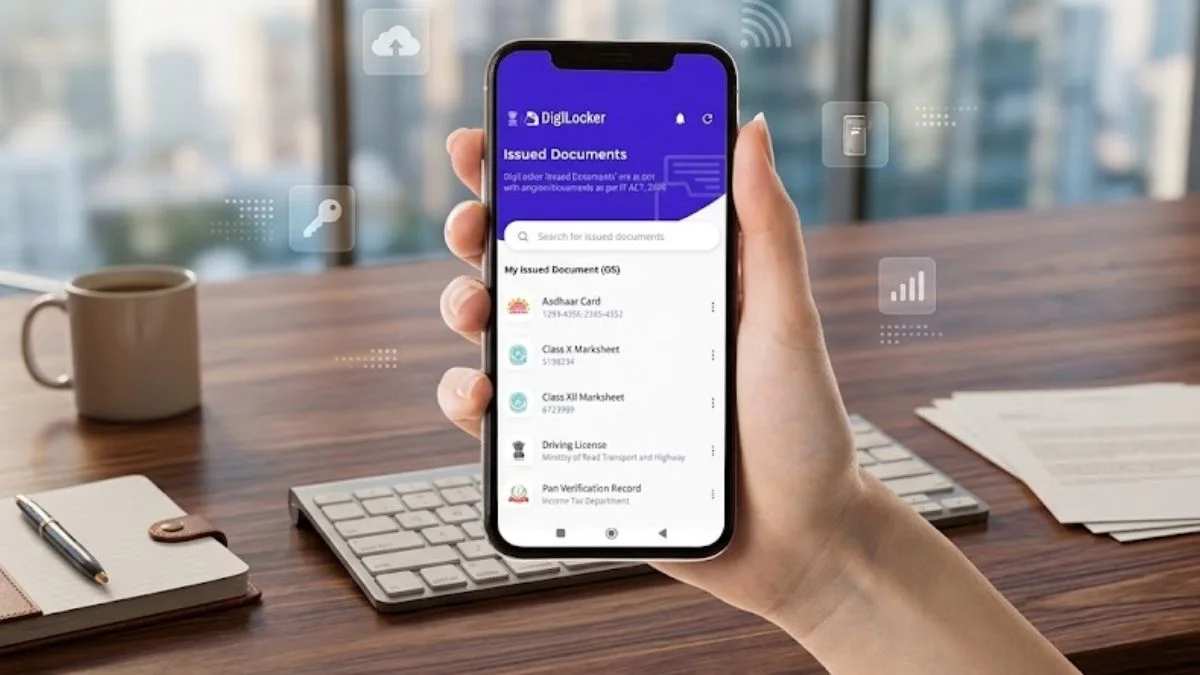
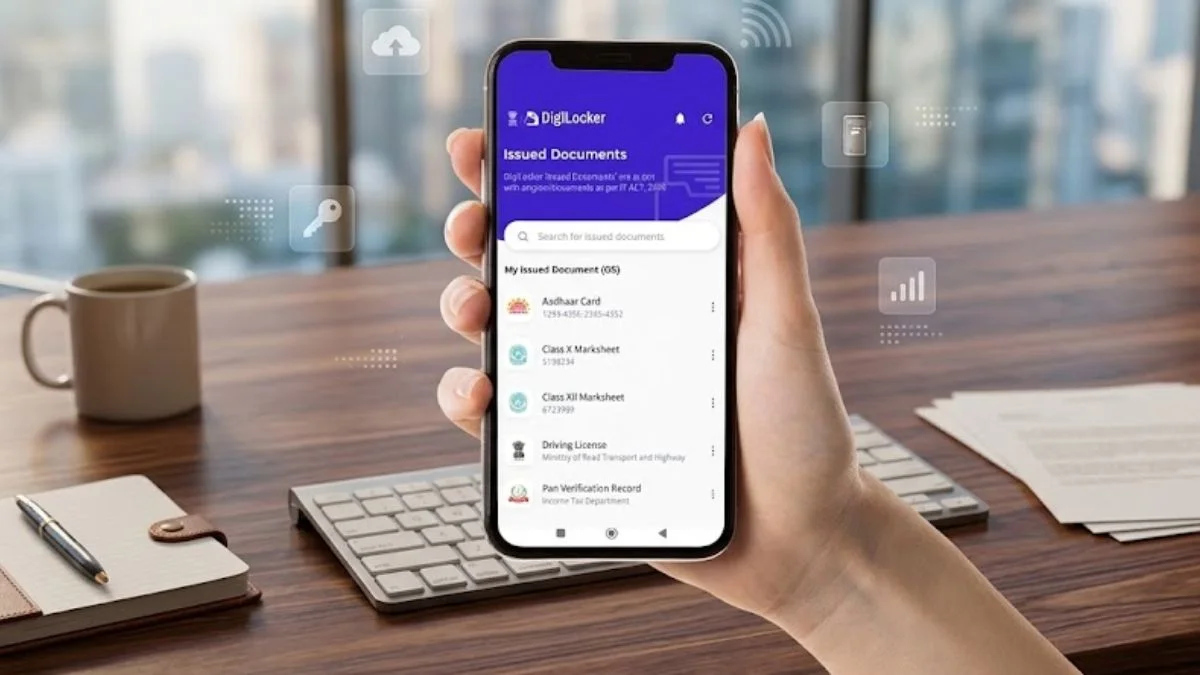
Most students already carry a phone that could replace a folder full of paperwork, a trip to a local office and a stack of printed textbooks. Five free government apps in India cover much of that ground: DigiLocker, UMANG, ePathshala, SWAYAM and DIKSHA. Between them they handle document storage, government services, textbooks, university-level courses and curriculum lessons. Each one does a different job, so it's worth knowing which one solves which problem.

DigiLocker: a document folder that lives on your phone
DigiLocker works like a virtual folder for paperwork. Students can keep mark sheets, certificates and an Aadhaar card in one place, and the documents stored there are described as authentic and usable online. That matters most at admission and application stages, when a photocopy in a bag often isn't enough. Keeping everything in one app also means one less thing to lose before an exam season or a college form deadline.
UMANG: one app for many government services
UMANG, short for Unified Mobile Application for New-age Governance, brings services from central and state governments into a single app. Students can check scholarship status, look up exam results and apply for various certificates without moving between separate portals. The practical appeal is consolidation. Instead of learning a different login and layout for each department, you learn one interface. Services differ by state, so it's worth checking which options show up for your region before you assume something is missing.
ePathshala: NCERT textbooks that work offline
ePathshala is aimed at school students. It offers NCERT textbooks free of charge, alongside supplementary study material, videos and audio. Books can be downloaded and read whenever you want, and that works without an internet connection once the files are on the device. For families where data is expensive or coverage is patchy, that offline capability is the real selling point. Here's the thing: a downloaded textbook on a phone is only useful if you actually open it, so the app rewards students who build a habit around it.
SWAYAM: courses from top institutions, free to access
SWAYAM is the most ambitious of the five. It provides courses to college students and, in some cases, high school students, and the courses come from institutions such as the IITs and central universities. Learners can access video lectures and study materials at no cost. Certification is available for a minimal fee. That fee structure is the detail to read carefully: the learning itself is free, but a certificate may carry a charge, and that's worth factoring in if you plan to list it on a CV. For a student who wants to get ahead in a subject their college doesn't teach well, SWAYAM is a strong place to start.
DIKSHA: lessons tied to the school curriculum
DIKSHA is built around the school curriculum. It offers lessons, videos and quizzes that follow the syllabus, and state boards use it to supply learning content. That makes it useful for revision before an exam, because the material is meant to match what students are being tested on. It's less of a deep-dive platform than SWAYAM and more of a revision companion. Students who find textbook chapters hard to digest often get more out of a short video followed by a quiz.
Where these apps fit together
These apps overlap less than you might expect. A reasonable setup for a school student is DigiLocker for documents, UMANG for services and DIKSHA or ePathshala for schoolwork. A college student might add SWAYAM for courses beyond the timetable. The common thread is cost: none of the five asks for money to get the core learning or service access, though certification and some services may come with fees. They also all depend on a phone you can keep updated, and on a data connection for anything that isn't downloaded in advance.
My read is that the biggest gains come from using one or two apps consistently rather than installing all five and forgetting them. Start with DigiLocker, since moving your documents into it takes an afternoon and saves time later. Then add the learning app that matches your current level. Those two steps cover most of what these apps do well, and the rest can wait until you need it.


