First day cover ·
iOS 27.3 Beta 2 Adds Duo Unlock Options, Siri Changes and Usage Limits
The second iOS 27.3 beta adds closed-device face unlock, daily limits for some AI features, and changes across Calendar, Podcasts and more.
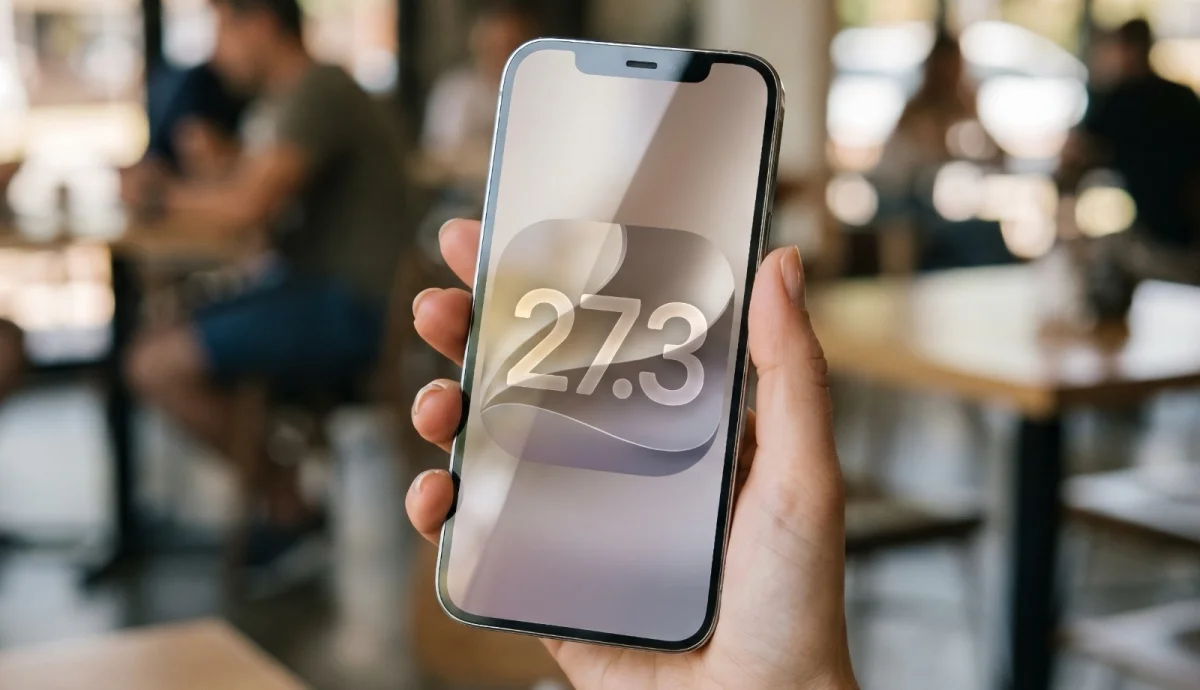
iOS 27.3 beta 2 gives iPhone Duo owners two new ways to handle a closed device, while setting daily limits for some server-based Apple Intelligence features. Apple has made the update available to registered developers two weeks after the first beta. iPadOS 27.3 beta 2 is also available for developer testing.
For iPhone Duo, the changes affect both what happens when the device closes and how its owner can unlock it. Elsewhere, Apple is adjusting Siri’s access to information, changing Calendar navigation and expanding a few services to more regions. Several additions appear unfinished or inactive in this beta, so their presence doesn’t establish that they’ll be ready when the update ships.
Two new options for iPhone Duo
A new setting called “Close to Lock” lets users choose to lock iPhone Duo when they close it. Without that setting, closing the device transfers content to the front display. The switch is in the Display and Brightness section of the Duo’s Settings app. For people who close the device expecting it to lock, the option makes that behavior explicit; those who want to keep using content on the front display can leave it off.
The beta also adds an option to unlock the closed phone with its front-facing camera. It works from the Lock Screen while the device is closed, and requires a recent Touch ID or passcode authentication to set up. After 45 minutes of inactivity, Touch ID is required again. Apple Pay purchases and access to saved passwords and logins still require Touch ID.
Camera-based unlocking isn’t available while iPhone Duo is open. The reason isn’t confirmed, though the source material suggests the under-display camera may not provide sufficient image quality. Users can find the option under Touch ID and Passcode in Settings. The authentication limits matter: the feature offers a quicker way into a closed device, but it doesn’t replace Touch ID for sensitive actions.
Siri expands, while server use gets limits
Siri AI can now use a webpage’s full contents with the new “Ask About Page” feature, including material that isn’t currently visible on screen. The assistant can also access Health data when the user grants permission, and Apple has improved its control of smart home products. These changes give Siri more context for requests, though the beta description doesn’t specify which devices or tasks benefit from the home-control improvements.
iOS 27.3 introduces daily usage limits for Siri AI and Apple Intelligence features that rely on server-side processing. Limits apply separately to each device. The update also ties higher allowances to iCloud+ plans of 200GB and above: the 200GB plan receives up to twice the standard allotment, 2TB up to five times, 6TB up to 10 times, and 12TB up to 20 times.
The affected work includes complex Siri requests that need several server-side steps, AI workflows and automations in Shortcuts, image generation and editing, and third-party apps using Apple Foundation Models in Private Cloud Compute. That makes the limits relevant to people who regularly use those features, rather than a blanket cap on every AI task. The beta notes don’t give the underlying daily allotment, so the multipliers alone don’t show how many requests users can make.
Changes across Apple’s apps and services
Calendar moves the controls for finding and adding events to the bottom of the app. Its Today button, which returns users to the current date, now displays the date as well. The lower placement brings those actions closer to the bottom of the screen, while the updated button offers a clearer cue about the day being viewed.
Free video podcast episodes are now available in the Apple TV app. The change is limited to free episodes, according to the beta details; paid video podcasts aren’t included. Apple News+ Puzzles is also set to reach subscribers in Australia, the UK and French Canada, with the available games varying by region.
Australian subscribers will get a daily quick crossword, crossword mini, Sudoku, Quartiles and Emoji Game. In the UK, the selection includes the crossword mini, daily quick crossword and Sudoku. French-Canadian subscribers will get Emoji Game and Quartiles. The different lineups mean access depends on both a subscription and a subscriber’s region.
The Weather app contains 10 new symbols for weather conditions, but they don’t appear to be in use yet, according to pdfu. Apple Music code also points to an “album release countdown” feature, though it doesn’t appear active in this beta, according to pdfu. Both are signs of work present in the software, not confirmed user-facing features.
The Home app adds an “Unrecognized People” restriction that limits how guest users can use Safari and Siri on Apple home devices. The beta description doesn’t detail how users configure the restriction or which guest interactions it covers, so those details remain unclear from this release.
Developer testing comes first
Registered developers can install the beta from Settings by opening General, choosing Software Update and selecting the iOS 27 developer beta. As with any pre-release software, the features and behavior described here may change before the public update. Apple’s beta guidance warns against installing test software on a primary iPhone or iPad; a device reserved for testing is the safer choice for trying this build.
The most consequential changes in beta 2 are the device-specific unlock options and the new rules around server-powered AI use. The app updates add useful refinements, while the inactive Weather and Music additions are still only hints of what Apple may enable later.